subject: Document Management Software vs Manual Document Handling: Which Is Better? [print this page]
Every business manages documents, but not every business manages them efficiently. From customer contracts and invoices to employee records and compliance documents, paperwork is part of almost every business process. While many organizations have started their digital transformation journey, a large number of businesses still rely on traditional methods like email attachments, spreadsheets, shared folders, or even paper files. These methods may seem simple in the beginning, but they create bigger challenges as the business grows. Employees spend valuable time searching for files, approvals are delayed because documents are sent back and forth through emails, and different departments often work on different versions of the same file. All these small problems affect productivity, customer experience, and overall business performance. This is where Document Management Software becomes a game changer. Instead of treating documents as individual files, it creates a centralized, intelligent system that helps businesses store, organize, secure, and process documents efficiently. Understanding the difference between manual document handling and a modern document management system helps businesses make better technology decisions for long-term growth.
The Reality of Manual Document Handling
Many businesses continue using manual document management because it feels familiar. Employees save files on their desktops, upload documents to shared drives, or exchange important information through emails. Although these methods don't require much investment initially, they become difficult to manage as document volumes increase. Finding an old contract or a customer agreement often turns into a time-consuming task because no one knows where the latest version is stored. Sometimes multiple employees create separate copies of the same document, leading to confusion and unnecessary errors. Important approvals may remain buried inside long email conversations, while paper documents can easily be misplaced or damaged. These challenges don't happen occasionally—they become part of everyday operations and slowly reduce overall business efficiency.
How Document Management Software Changes the Process
Unlike manual systems, Document Management Software creates a structured environment where every document follows a predefined process. Instead of saving files in random folders, documents are automatically categorized, indexed, and stored securely. Employees can locate files within seconds by searching keywords, customer names, document types, or metadata. The software also maintains version history, ensuring everyone works on the latest document while previous versions remain available whenever required. This structured approach removes confusion and allows employees to spend their time completing important work instead of managing files.
Speed Makes a Big Difference
One of the biggest differences between manual document handling and Document Management Software is speed. In a manual environment, processing a document often involves downloading files, renaming them, sending emails for approvals, updating spreadsheets, and manually tracking progress. Every additional step increases processing time and creates opportunities for mistakes.
With Document Management Software, these activities happen automatically through predefined workflows. Documents move to the correct department, notifications are sent instantly, approvals are tracked digitally, and every action is recorded automatically. What previously required several hours can often be completed within minutes, allowing businesses to respond faster to customers and complete internal processes more efficiently.
Better Security for Business Documents
Protecting sensitive information has become one of the biggest priorities for modern businesses. Customer information, employee records, legal agreements, and financial documents all require proper security. Manual document handling often depends on shared folders or email attachments, making it difficult to control who can access confidential information.
A modern Document Management Software provides role-based permissions, encryption, audit logs, secure authentication, and activity tracking. Business owners can easily define who is allowed to view, edit, download, or share each document. Every action is recorded, creating complete visibility over document access. This level of security is extremely difficult to achieve through manual document management.
Collaboration Becomes Much Easier
Business projects usually involve multiple departments working together. Sales teams prepare contracts, finance reviews payment terms, legal verifies agreements, and operations execute the project. When documents are exchanged manually, communication becomes slow and different departments often work with outdated information.
Document Management Software creates one centralized repository where every authorized employee can access the same document. Version control ensures everyone works on the latest file while previous versions remain available for review. Teams collaborate faster because documents no longer need to be shared repeatedly through emails. Better collaboration directly improves productivity across the organization.
AI Is Taking Document Management to the Next Level
Traditional document management focused mainly on storing files digitally. Today's Document Management Software goes much further by using Artificial Intelligence to automate document-heavy processes. AI can extract information from invoices, contracts, passports, identity cards, bank statements, and application forms without requiring manual data entry. It validates extracted information, identifies missing fields, detects duplicate records, and flags suspicious entries for review.
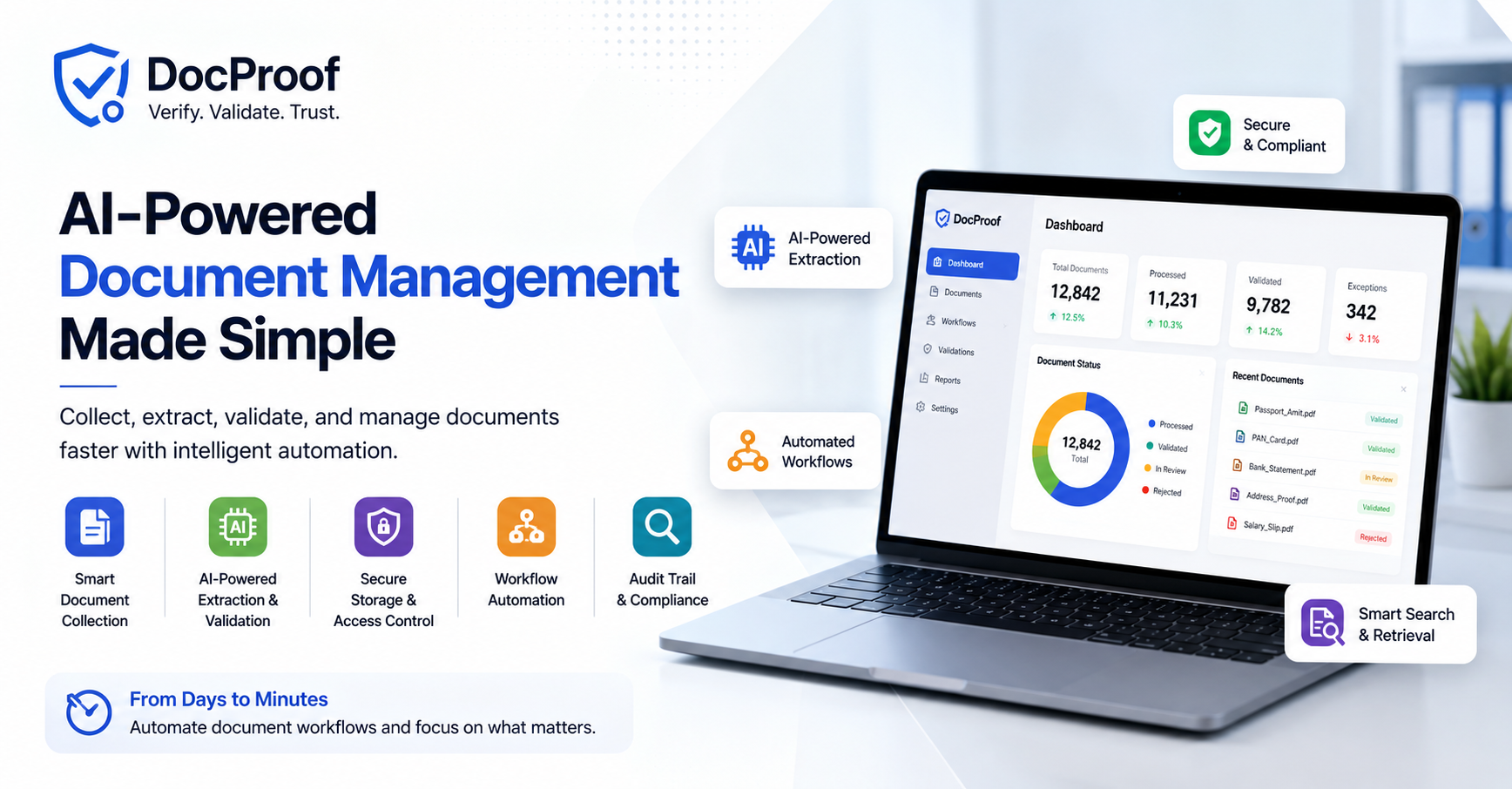
Solutions like DocProof combine AI-powered extraction with rule-based validation, allowing businesses to process large volumes of documents consistently and accurately. Instead of replacing employees, AI removes repetitive work and allows teams to focus on decisions that require human expertise.
Which Option Is Better for Growing Businesses?
For a small business handling only a few documents every month, manual processes may appear manageable. However, as the organization grows, document volumes increase rapidly, making manual management inefficient and expensive. Businesses that continue depending on outdated processes often struggle with slower operations, higher administrative costs, poor collaboration, and increased compliance risks.
Document verification Software provides a long-term solution that grows with the business. It improves productivity, strengthens security, automates repetitive tasks, and creates a foundation for digital transformation. Instead of constantly solving document-related problems, organizations can focus on serving customers, improving operations, and expanding their business.
Conclusion
Choosing between manual document handling and Document Management Software is no longer just about convenience. It is a decision that directly affects productivity, security, customer experience, and business growth. Manual processes may work temporarily, but they become increasingly difficult to manage as document volumes increase. Modern document management systems simplify document storage, improve collaboration, automate workflows, and reduce human error while supporting business scalability. When combined with AI-powered capabilities like intelligent extraction and validation, Document Management Software becomes one of the most valuable investments a growing business can make. Organizations that adopt smarter document management today will be better prepared to compete in an increasingly digital business environment.